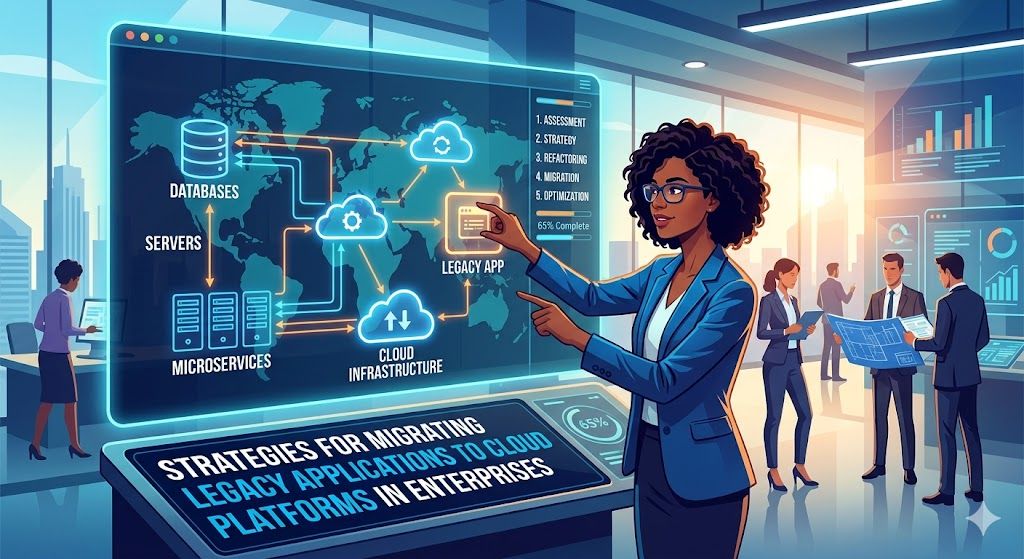
Strategies for Migrating Legacy Applications to Cloud Platforms in Enterprises
Modernizing legacy applications is now a top priority for scalability, efficiency, and long-term growth. While cloud adoption is expanding across every industry, the results usually depend on the strategies.
Independent studies show most cloud migrations fail due to poor planning, not the platforms themselves. Success depends on three clear points: what to move first, how to move it, and how to keep things stable during the move.
But how? Let’s discuss the strategies for migrating legacy applications to cloud platforms in this blog.
Why do most cloud migration strategies fail?
Common reasons behind legacy system migration failing include:
Treating all systems the same: Organizations often choose the same migration strategies for different legacy systems. It makes the process harder itself.
Starting with the wrong applications: Teams often pick highly connected systems first for migration. However, hidden dependencies in these systems increase the workload and slow the whole process down.
Ignoring data and dependency complexity: Data relationships and system connections define the migration stability. If mapped improperly, these can lead to performance bottlenecks and integration challenges.
To avoid these pitfalls, a structured evaluation helps turn uncertainty into a clear strategy. Let’s discuss the 6 cloud migration strategies in the next section.
6 strategies for migrating legacy applications to cloud platforms
A strong cloud migration strategy doesn’t follow a checklist. It’s about choosing the right approach for each application. Here are the 6R strategies for legacy application modernization:
1. Rehost
Rehost moves applications to the cloud without changing their structure. It helps enterprises shift quickly from on-premise systems while keeping everything functionally the same. This approach works well when speed matters more than optimization.
They're ideal for stable systems, data centers, or large portfolios that need a quick shift without a full redesign or immediate performance boosts.
Best practices
Move low-risk applications first to reduce migration pressure
Turn on monitoring as soon as systems go live in the cloud
Test application behavior before full-scale migration
Identify dependencies before you move workloads
Plan optimization work after migration completion
Example: A logistics company moves its internal shipment tracking tool from on-prem servers to cloud virtual machines. It makes it easier for remote warehouse teams to access the system while on-site employees continue to use the same interface.
2. Replatform
Replatform improves specific parts of an application while keeping the core system intact. Enterprises use it to modernize performance and reduce maintenance effort without rewriting applications from scratch.
They're ideal for systems with performance bottlenecks, outdated databases, or scaling issues where the core logic still works but lacks the capacity for a full redesign.
Best practices
Replace legacy components with managed cloud services
Improve performance in small, controlled changes
Test each upgrade before deployment
Avoid modifying stable core logic unnecessarily
Track performance improvements after migration
Example: A retail company moves its product database to a managed cloud database service. The website stays the same, but it can now handle heavy traffic during sales seasons without lagging.
3. Refactor (or Rearchitect)
Refactoring redesigns applications to fit cloud-native standards. Enterprises use it when existing architecture limits growth, flexibility, or performance under load.
They're ideal for high-traffic apps that need quick scaling, frequent updates, or a shift from monolithic architecture.
Best practices
Break monoliths into smaller independent services
Design services to scale separately
Reduce shared dependencies across modules
Test components individually before integration
Roll out changes in controlled stages
Example: An eCommerce platform splits its search, payments, and orders into separate services. This now allows each part to scale independently, especially during busy shopping days.
4. Repurchase
Repurchasing swaps internal systems for ready-to-use SaaS platforms. Organizations use it to reduce maintenance effort and standardize operations across teams.
They're ideal for non-core yet high-performance apps like payroll or HR, where proven SaaS alternatives cover the essentials.
Best practices
Migrate clean and structured data into SaaS platforms
Integrate SaaS tools with existing workflows
Give users a guide before asking them to switch
Validate compliance requirements early
Maintain legacy access during transition
Example: A company replaces its internal HR system with a SaaS platform. Employees can now manage payroll, leave requests, and onboarding from a single system without relying on internal infrastructure.
5. Retain
Retain keeps applications as they are when migrating offers no immediate benefit. Organizations often choose this to maintain stability while planning future modernization for their legacy apps.
They're ideal for high-risk or strictly regulated systems that aren't ready for a move yet.
Best practices
Maintain stable hybrid connectivity
Monitor system performance continuously
Revisit migration opportunities regularly
Document dependencies clearly
Avoid duplicating functionality in cloud systems
Example: A healthcare organization keeps its diagnostic imaging system on-premises due to latency and compliance needs. Meanwhile, it gradually moves patient records and reporting tools to the cloud.
6. Retire
Retire means shutting down applications that no longer serve a business purpose. Enterprises use it to reduce complexity and focus on active resources.
They're ideal for redundant or abandoned systems that are too expensive to maintain and add no value to the business.
Best practices
Identify systems that are no longer to be used
Archive required data before the complete shutdown
Check dependencies before decommissioning
Inform all stakeholders early
Validate compliance requirements before removal
Example: A manufacturing company used several local tools to manage operations across various locations. After launching a unified ERP, it shut down all those local tools and saved money.
Moving from strategy to execution requires tight coordination. Specialized cloud migration service providers, like Unified Infotech, can help. With years of expertise, they bridge this gap by aligning your technical planning with successful delivery.
Conclusion
Migrating legacy applications is more than a technical shift; it’s a strategic move to eliminate technical debt. By applying the right strategy, from rehosting for speed to refactoring for scale, you can modernize without disrupting the core operations.
A successful migration requires careful evaluation. When you consider the legacy app’s business value and architectural fit, the process becomes easier and smoother. Take your time to evaluate today for a better cloud transition tomorrow.
Appreciate the creator