Still Managing VLANs Manually? Cisco SDA Ends That in One Deployment
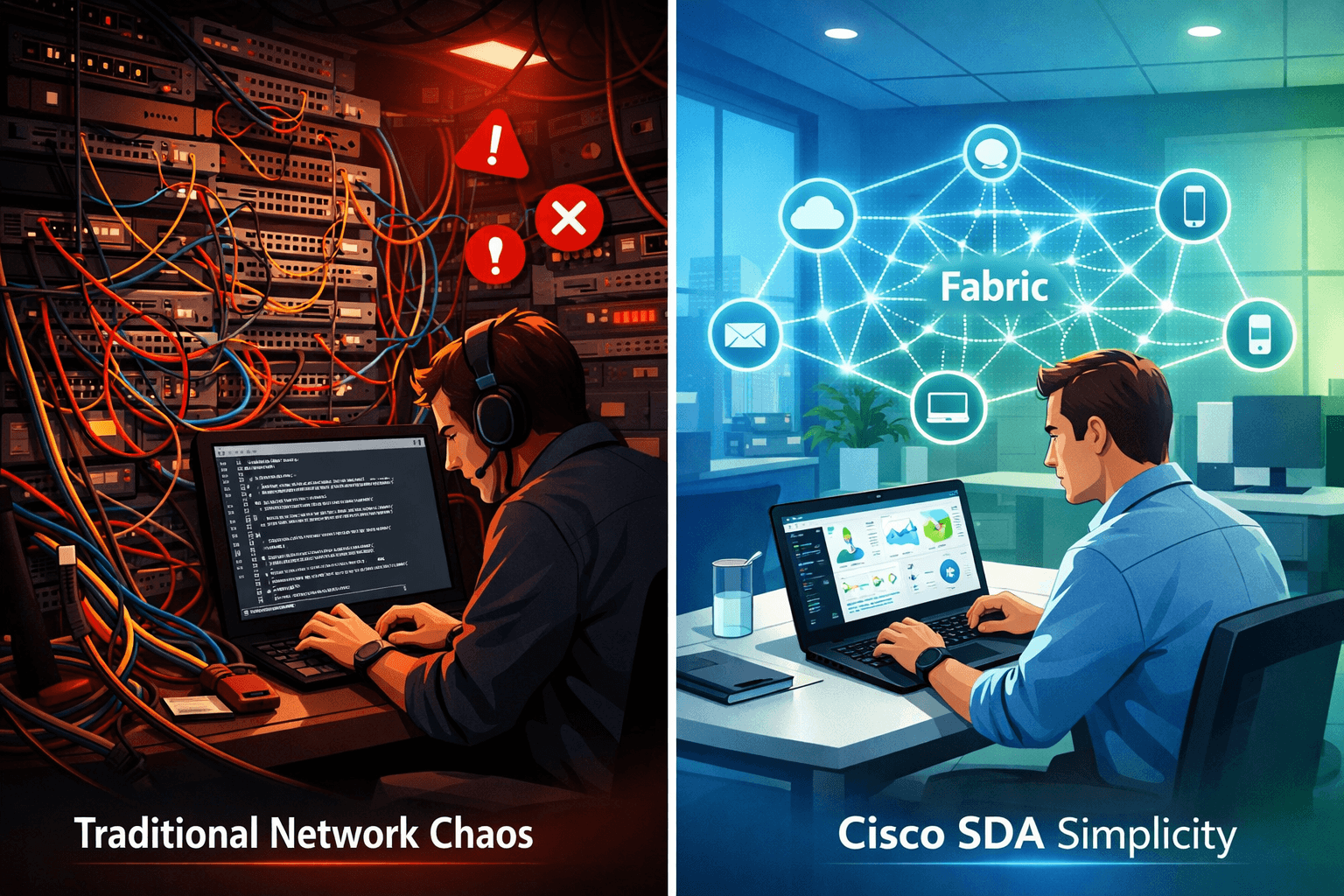
It's 11 PM. You've just pushed VLAN configs to 35 switches after a last-minute floor reassignment. You check the ticket resolved. Twenty minutes later, a user on the fourth floor can't reach the file server. You log back in. Wrong trunk config on one switch. One switch out of 35.
That's the reality of manual VLAN management. And if you're in networking, you know this isn't a once-a-quarter problem. It's every other week.
Why Manual VLAN Work Never Gets Easier
Here's the thing: the problem isn't that your team is slow or careless. It's that traditional network architecture fundamentally wasn't designed for how enterprises actually operate today.
VLANs were a solid solution for a static environment. Fixed desks, predictable headcount, devices that stayed where you put them. But now you've got hybrid workers, IoT devices scattered across every floor, contractors who need temporary access, and security teams demanding tighter segmentation all at once.
Most people don't realize this, but the real time sink isn't the initial configuration. It's the compounding maintenance. Every new hire, every office reshuffle, every security audit triggers another round of manual changes across every device in the path. There's no single source of truth. Policies drift. Documentation lags behind reality. And one missed trunk setting at 11 PM becomes your Friday night.
The Architecture Problem Nobody's Fixing
This is where most solutions fall short. Scripting helps until your script doesn't account for a firmware variation on one of the older switches. Controller-based tools help at the edges, but they don't fundamentally change how segmentation works underneath.
The reason VLAN management stays painful is that the underlying model is still device-by-device, change-by-change. You're not managing a network you're managing hundreds of individual configurations that are supposed to add up to a coherent policy. They usually don't.
That's not a tooling problem. It's a structural one.
What Cisco SDA Actually Solves
Cisco Software-Defined Access replaces that device-by-device model with a fabric. One logical overlay on top of your physical infrastructure. Policies live in Cisco DNA Center, not in individual switch configs.
Segmentation works through Virtual Networks and Scalable Group Tags. You define who gets access to what by user role, device type, location, or any combination and the fabric enforces it automatically, everywhere, the moment a device connects. No manual VLAN mapping. No trunk configurations. No drift.
One deployment. Consistent policy across the entire campus.
The operational difference is significant. Onboarding 300 new employees? You apply the policy once. Moving a department to a different floor? The network adjusts without anyone touching a CLI. Guest isolation, IoT segmentation, contractor access all handled through policy, not config files.
And if your team is actively building toward Cisco certifications, connecting this architecture to a Cisco exam prep community helps bridge the gap between what you're studying and what you're actually running. Understanding SDA from a practical standpoint makes the exam content click differently.
What Happens If You Don't Address This
The cost of staying with manual VLAN management isn't just operational. It's a security risk that compounds quietly over time.
Segmentation policies that aren't consistently enforced create lateral movement opportunities. One misconfigured trunk, one stale ACL, one device that got put in the wrong VLAN during a busy migration that's your attack surface. And because traditional networking offers no automated audit trail of intent vs. actual state, you often don't know there's a gap until something goes wrong.
Most teams wait until a security incident or a major infrastructure overhaul forces the conversation. By then, the technical debt is significant, and the migration is harder than it needed to be.
The longer this goes unaddressed, the more entrenched the old model becomes.
What a Modern Network Actually Looks Like
After SDA, your network changes aren't events, they're policy updates. You open the DNA Center, adjust a Scalable Group Tag, and the change propagates. You're not coordinating a maintenance window. You're not notifying six people that you're about to push configs. You're updating a policy.
For teams preparing through a Cisco exam prep community, this is the kind of architecture that shows up heavily in the CCNP Enterprise and the SD-Access specialist track and understanding it at this level of depth makes both the exam and the actual deployment considerably less stressful. If you're exploring Cisco certification exams alongside your real-world infrastructure work, SDA is one of those topics where hands-on exposure genuinely changes how the concepts land.
The visibility improvement matters just as much as the policy automation. Cisco DNA Center gives you a real-time view of every device, every connection, and every policy in effect, not a snapshot from the last time someone remembered to update the spreadsheet.
The Network You Should Have Been Running
Manual VLAN management isn't a permanent state; it's a starting point that a lot of teams never move past because the better path felt too complex or too expensive to justify.
Cisco SDA makes that move manageable. The fabric model works on hardware that many enterprises already own. DNA Center can deploy as a physical appliance or a virtual instance. The migration path is documented and phased, not a rip-and-replace.
If your team is still pushing configs switch by switch, it's worth having a real conversation about what SDA would look like in your environment. The time savings alone are significant and that's before you factor in what consistent, automated segmentation does for your security posture.
The architecture exists. The question is whether you keep doing it the hard way.
Appreciate the creator