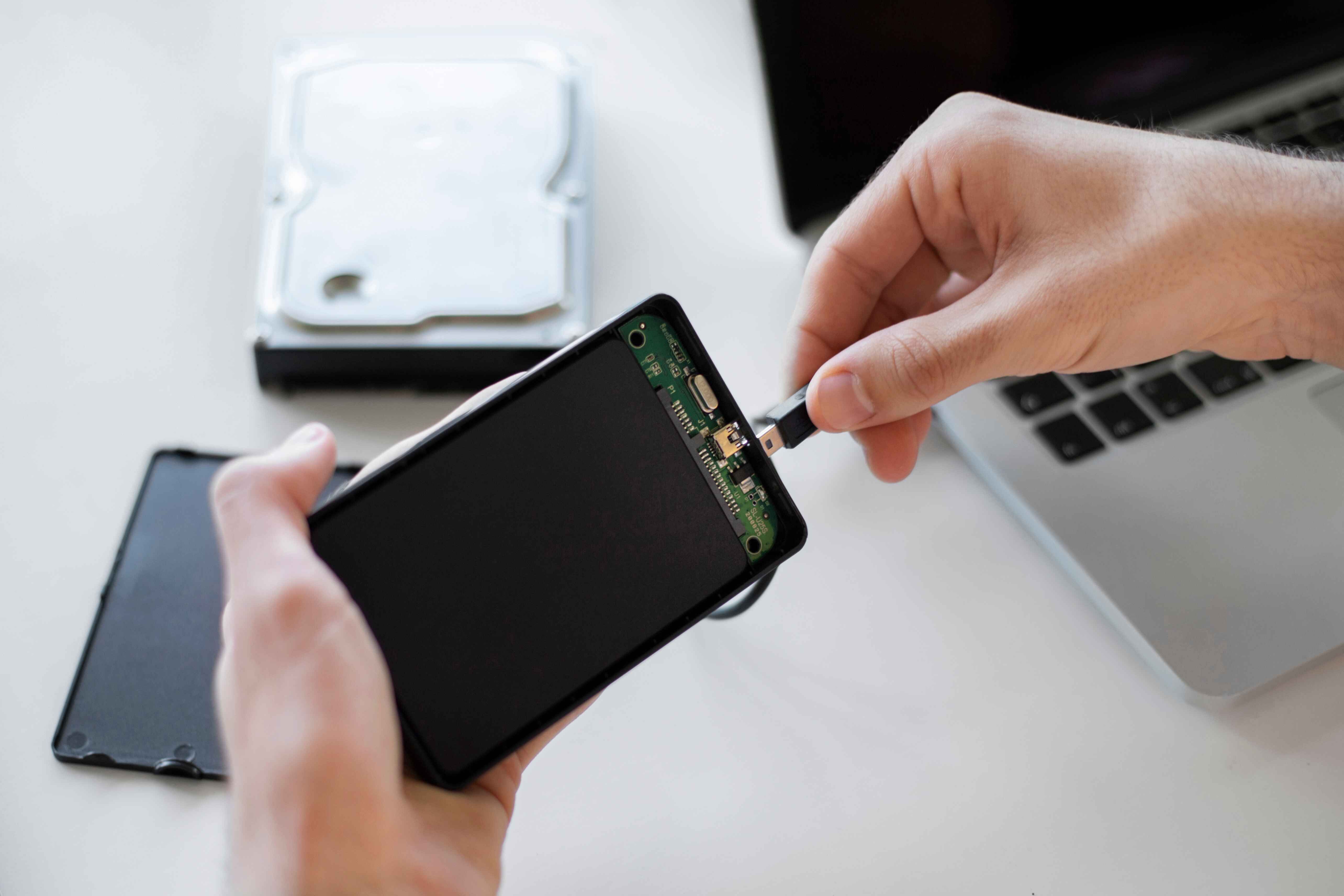
Samsung S8 Battery Replacement Tips from an Expert
If you're using a Samsung Galaxy S8 and you've noticed your phone isn't holding a charge like it used to, it's probably time to replace the battery. Battery problems are common in older phones, especially when they’ve been used for a few years. But replacing the battery can seem tricky if you’ve never done it before. Don’t worry, this article walks you through the most helpful Samsung S8 battery replacement tips, straight from someone who’s done it many times.
Let’s get started.
1. How to Know if Your Battery Needs Replacing
Before you grab a screwdriver, check if your battery is the problem. Some signs that your Samsung S8 battery needs replacement include:
Your phone shuts off suddenly, even when it shows battery life remaining.
It charges very slowly or doesn’t reach 100%.
The back of the phone often feels hot.
The battery drains very fast, even with light use.
The phone doesn’t turn on at all.
If any of these symptoms are happening regularly, a battery replacement could solve the issue.
2. What You’ll Need Before You Begin
Replacing the battery yourself isn’t too hard, but you do need the right tools. Here's a list:
A Samsung S8 replacement battery (choose a good quality one, preferably OEM or from a trusted seller)
A heat gun or hairdryer
Plastic opening tools or guitar picks
A suction cup tool
A small Phillips-head screwdriver
Tweezers
Adhesive strips (for sealing the phone back)
Safety glasses (optional but good for eye protection)
Make sure your phone is turned off before you begin any work.
Important Warning
Replacing the battery yourself can void your warranty if your phone is still covered. It also involves removing the back glass, which can crack easily if you’re not careful. So, take your time and go slow.
3. Removing the Back Cover
This is often the hardest part of the process. The Samsung S8 has a glass back that is glued firmly in place. Here's how to do it safely:
Use the heat gun or hairdryer to warm up the edges of the back panel. Do this for about 2-3 minutes. Don’t overheat the phone.
Place the suction cup near the bottom of the back panel and gently lift.
Insert a plastic tool or guitar pick between the glass and the frame.
Slowly slide it around the edges to loosen the adhesive. Be very careful around the fingerprint sensor wire near the top.
Take your time, this step requires patience. If the glue gets stiff again, reheat the edges.
4. Disconnect the Battery
Once the back is off, you’ll see a metal cover held by several screws. That’s the battery connector shield.
Use your screwdriver to remove the screws and gently lift the shield.
Use a plastic tool to disconnect the battery cable. Never use metal tools to disconnect it, as you could cause a short circuit.
Once the battery is disconnected, wait a minute to make sure no power is running through the phone.
5. Removing the Old Battery
Now it's time to take the old battery out.
The battery is glued to the phone frame. Apply some gentle heat to the front screen area (the back of where the battery sits).
Use a plastic card or tool to gently pry up the battery from one side.
Avoid bending or puncturing the battery, it can catch fire or leak.
Again, go slowly. If it doesn’t come out easily, apply more heat and try again.
6. Installing the New Battery
Once the old battery is out:
Make sure the battery area is clean and free of glue or dust.
Place adhesive strips in the battery spot.
Position the new battery and press it gently into place.
Reconnect the battery cable and screw the shield back on.
Do not turn the phone on yet—you need to seal it properly first.
7. Sealing the Phone Back Up
Before sealing the back cover:
Clean the edges of the glass and phone frame with alcohol to remove old glue.
Apply the new adhesive strips around the edges.
Gently press the back panel into place, starting from the top (so you don’t damage the fingerprint sensor).
You may want to use a few heavy books to press the phone overnight for a tight seal.
8. First Power-On and Battery Calibration
Now you can power on the phone. If it turns on fine, that’s a good sign. Next, you should calibrate the battery:
Charge the phone to 100% without interruption.
Then use it until the battery drops below 5% or shuts off.
Charge again to 100% without using the phone.
Repeat this cycle 2–3 times.
This helps your phone read the battery percentage more accurately.
9. Helpful Tips from Experience
Here are a few extra tips that I’ve learned after doing many battery replacements:
Always double-check that the replacement battery is compatible with your specific model.
Avoid using metal tools on the battery or connectors.
Work on a clean, static-free surface. Carpets and rugs can create static electricity.
If the phone gets too hot or doesn’t power on after replacing the battery, check that the cable is connected properly.
Consider buying a full battery replacement kit—it often comes with all tools and adhesive.
10. When to Get Professional Help
If you're not confident doing the battery replacement yourself, there’s no shame in asking a professional. Most phone repair shops can replace a Samsung S8 battery in under an hour. You’ll pay for labor, but you avoid the risk of breaking your phone.
Some common situations where professional help is better include:
You see signs of swelling or a puffy battery.
The back glass cracks during your attempt.
You damage a cable or connector inside.
You’ve never done phone repairs before.
It’s better to spend a bit more money than risk turning your phone into an expensive paperweight.
Conclusion
Replacing the battery in your Samsung S8 can breathe new life into an aging phone. While it might seem a little scary at first, the process is very doable if you take your time and follow each step carefully. Use the right tools, be gentle with the components, and stay patient, especially when removing the glued parts.
Hopefully, these expert tips have given you the confidence to get started. Whether you choose to do it yourself or take it to a repair shop, the important thing is that you’ll have a phone that lasts much longer on a single charge.
Appreciate the creator