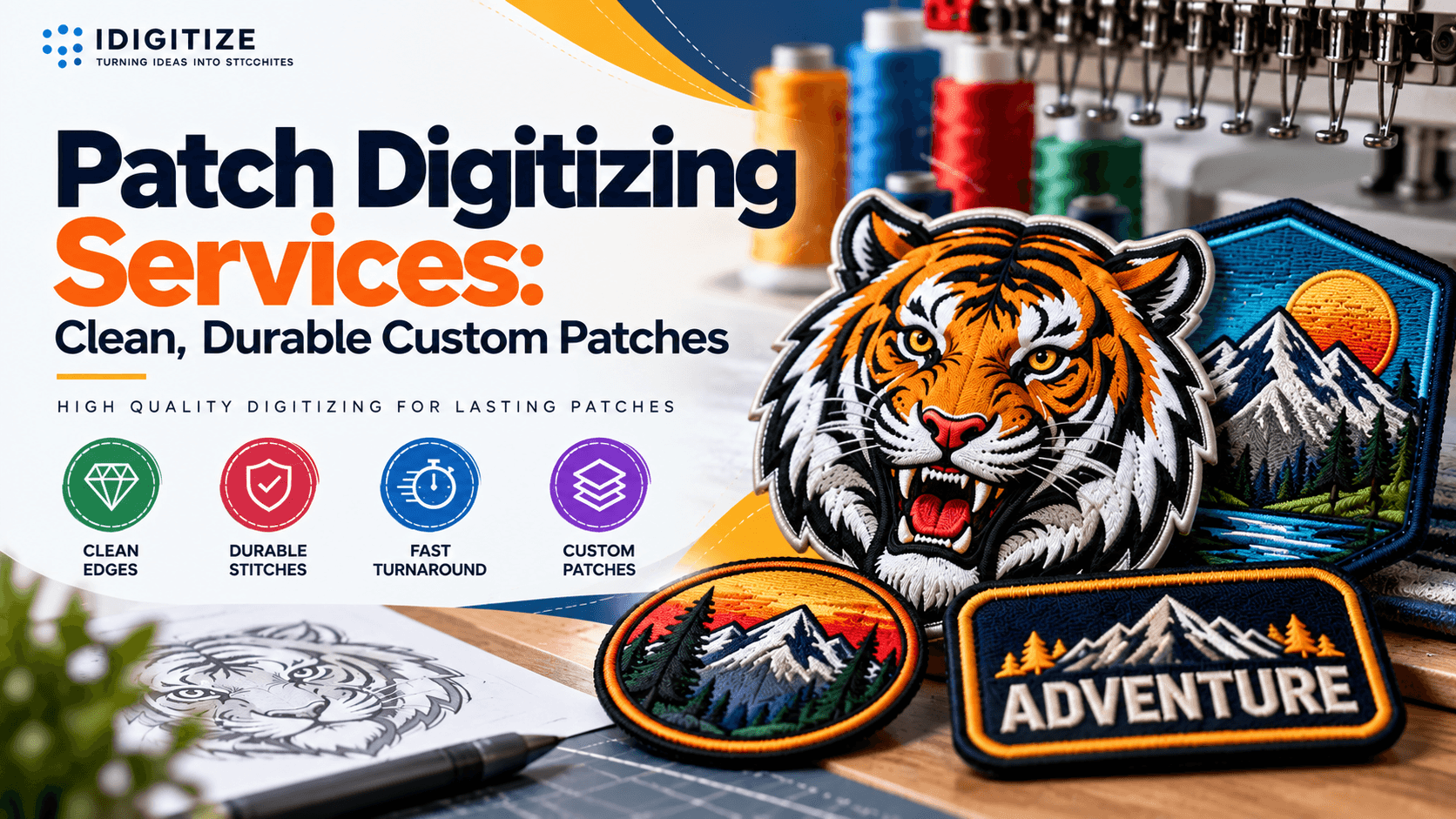
Patch Digitizing Services: Clean, Durable Custom Patches
Patch digitizing services turn your logo or artwork into a stitch file that an embroidery machine can sew as a sharp, durable patch. At iDigitize, we offer premium patch digitizing services for businesses, teams, clubs, and brands that need patches with clean edges, readable text, and consistent stitching. Below, we explain how the process works, what affects quality, and what to send us so your first stitch-out goes smoothly.
A patch is more than a small logo. It needs a border, a stable base, and stitch settings that hold up on twill, felt, or other backing. The stitch file is where those decisions are made, so a well-built file matters more than the machine that runs it.
What Patch Digitizing Services Include
Patch digitizing services cover the conversion of flat artwork into machine-readable embroidery instructions. A digitizer decides where each stitch goes, which direction it runs, how dense it is, and in what order the colors sew.
For patches, this usually includes:
Border creation: a satin or merrowed-style edge that seals the patch outline
Fill and satin stitch selection: fills for large areas, satin stitches for narrow details and lettering
Underlay: foundation stitches that stabilize the fabric before the visible stitches sew
Color sequencing: an order that limits thread trims and jumps
Export to machine formats: commonly DST, PES, EXP, or JEF, depending on the machine
Our team handles these decisions so you receive a file ready for production rather than a raw conversion.
Why Patches Need Different Digitizing Than Standard Embroidery
Patches sit on a base material rather than a shirt or cap, so the file must control the shape of the finished piece. Three differences matter most.
The border defines the patch. On a standard logo, the edge is just the edge of a design. On a patch, the border is a structural element. A weak border causes fraying, gaps, or a visible base fabric around the outline.
Coverage is often heavier. Many patches use dense fills, and some cover the full base. Density, pull compensation, and underlay must be balanced so the patch stays flat and does not pucker.
Small details are less forgiving. Patches are usually small, so fine lines and tiny text can fill in or disappear. Good digitizing simplifies artwork without losing the design's identity.
How We Turn Artwork Into a Patch-Ready Stitch File
Here is the process we follow for patch artwork:
Review the artwork. We check size, colors, line weight, and text to see what will stitch cleanly at the patch dimensions.
Set the patch size and shape. The finished dimensions determine stitch density, border width, and how much detail can survive.
Plan the stitch types. We assign fills, satin stitches, and running stitches to each element based on its size and role.
Build the underlay and border. Foundation stitches stabilize the base, and the border seals the outline.
Sequence the colors. We organize the sewing order to reduce trims and keep layers from crushing each other.
Export the file. We deliver the format your machine or patch producer needs.
Each step affects the next, which is why we treat patch digitizing as a planned build rather than an automatic tracing job.
What to Send Us for Patch Digitizing
The more precise your brief, the fewer revisions you need. Send us:
Your artwork file. Vector files (AI, EPS, SVG) are ideal, but clear PNG or JPG images can also work.
The finished patch size. Give the width and height you want.
The patch shape and border style. Tell us if you need a round, rectangular, or custom-cut outline.
Thread colors. Send color names or codes if brand matching matters.
The backing fabric. Twill, felt, or another base changes how we set density and underlay.
Your machine format. Tell us whether you need DST, PES, or another type.
If you are unsure about any of these, tell us what you know. We can work from your artwork and describe what we recommend.
Common Patch Digitizing Mistakes
Most patch problems trace back to the file, not the machine. These are the ones we see addressed most often in patch artwork preparation:
Text that is too small. Very small lettering often blurs at patch scale. As a general rule, tiny text needs to be enlarged or simplified.
Too many fine details. Thin lines and gradients do not translate well to thread. Simplifying them keeps the design readable.
Weak or uneven borders. A thin border can leave gaps where the base fabric shows through.
Ignoring the base material. A file built for a stable twill may not perform the same on a lighter fabric.
Wrong density. Stitches packed too tightly cause puckering and stiffness. Stitches spaced too loosely reveal the backing.
Skipping a test stitch-out. A test sew shows edge quality, text clarity, and registration before you commit to a full run.
When Professional Patch Digitizing Makes Sense
You can attempt to auto-convert artwork with software, but automatic results often need heavy manual correction. Professional digitizing is worth considering when:
You are ordering patches for a brand, team, or uniform program where consistency matters
Your design has small text, multiple colors, or fine detail
You plan to reuse the same file across repeat orders
Earlier stitch-outs showed puckering, gaps, or fuzzy edges
A properly built file also saves time on the production floor, because operators spend less time adjusting settings and rerunning samples.
Getting Patches That Stitch Cleanly
Good patches start with a good file. Border strength, stitch density, underlay, and color order determine whether a design comes off the machine sharp or needs rework. At IDigitize, we prepare artwork for patch production so you can move to stitching with more confidence.
Before you place a large order, run a test stitch-out and check the edges, text, and color layers. If something looks off, the file is usually the place to fix it. When you are ready to start, send us your artwork, size, and backing details, and we will help you prepare it for embroidery.
Frequently Asked Questions
What are patch digitizing services?
Patch digitizing services convert artwork into an embroidery file built specifically for patches. The file defines the border, fills, satin stitches, underlay, and color order so a machine can sew the design onto a base fabric. It is a stitching plan, not just an image conversion.
What file formats do you deliver for patches?
We can prepare files in common embroidery formats such as DST, PES, EXP, and JEF, depending on your machine. Tell us which format your machine or patch producer needs when you send your artwork, and we will export accordingly.
What artwork should I send for patch digitizing?
Send the clearest version of your logo you have. Vector files like AI, EPS, or SVG work best, though high-resolution PNG or JPG files can also work. Include the finished patch size, thread colors, shape, and backing fabric so we can set the stitch details correctly.
Why do small details disappear on embroidered patches?
Thread has physical thickness, so very fine lines and tiny text can fill in when stitched at small sizes. Digitizers solve this by simplifying details, widening thin lines, or enlarging text. Choosing the right patch size for your design also helps.
Do I need a test stitch-out before a full patch order?
A test stitch-out is strongly recommended. It shows whether the border seals properly, text stays readable, and colors register correctly. Catching issues on a single sample is faster and cheaper than discovering them across a full production run.
Appreciate the creator