How to Use Angular + ASP.NET Core for Your Next Project?
Introduction
Six years ago, I stood in front of a room full of senior engineers and told them we were going to rebuild our system using Angular and ASP.NET Core. No one looked excited.
We were stuck in a legacy codebase that had become painful to maintain. Adding a simple feature took too long. Deployments felt risky. The frontend and backend were tangled together, so every small change broke something unexpected. The team felt drained. I felt it too.
Someone asked why we were not switching to React or going all in on Node. Fair question. My answer was simple. We were a Microsoft-focused team. Our requirements were enterprise-level. We needed something stable, structured, and reliable, not just for the first six months, but for the next three to five years.
Angular and ASP.NET Core, when used properly, are built for that kind of stability.
Since then, I have shipped multiple production systems on this stack. Internal dashboards used by thousands of users at the same time. SaaS platforms with complex authentication flows. Applications with real-time updates and strict security requirements. I have made mistakes, corrected them, and learned what actually works in production.
Based on my experience with Angular + ASP.NET Core, here are the best practices for using them effectively.
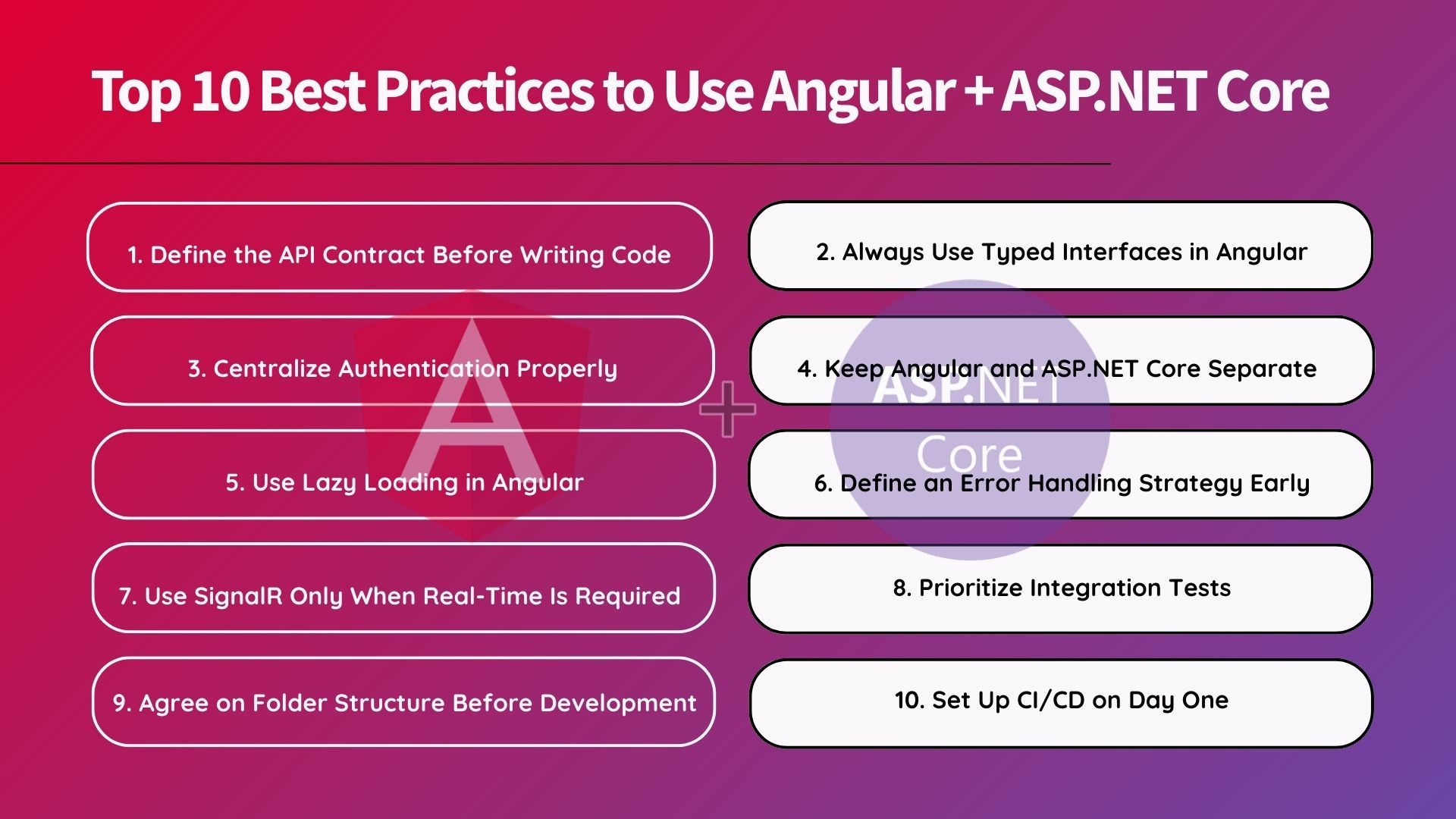
Top 10 Best Practices to Use Angular + ASP.NET Core
Here’s a detailed breakdown of the ten key practices you can follow to make the best use of Angular + ASP.NET Core.
1. Define the API Contract Before Writing Code
Most integration issues between frontend and backend come from mismatched assumptions.
The Angular team expects one structure. The ASP.NET Core team returns another. A date comes back as a string in one endpoint and as a timestamp in another. You lose days debugging something that shouldn't have existed in the first place.
So, you need to fix this early before the impact results.
Define the API contract before writing feature code. Use Swagger with ASP.NET Core and generate a clear API specification. Treat it as a living contract. Both teams build against it.
Once I enforced this rule on a large project for our client, the number of integration bugs in the first sprint dropped noticeably. Nobody could guess. Everyone worked from the same definition.
2. Always Use Typed Interfaces in Angular
I still see Angular projects where HTTP responses return any.
The moment you do that, you lose TypeScript’s value. You remove safety. You remove autocomplete. You remove early error detection.
Define TypeScript interfaces that match your ASP.NET Core DTOs. Use them in every HttpClient call.
Yes, it takes more time upfront. But when a backend field changes, TypeScript shows you exactly what breaks. You fix it immediately, rather than discovering it in QA or production.
On the backend, do not expose domain entities directly. Create DTOs that return only what the client needs. Keep business logic and internal structures on the server.
3. Centralize Authentication Properly
You cannot take shortcuts when it comes to authentication.
The setup that has worked best for me is simple:
Use ASP.NET Core Identity on the backend.
Issue JWT tokens after login.
Let Angular include the token on every request through an HTTP interceptor.
Route guards on the Angular side should remain simple. Check for the presence of the token and basic permissions. That is it.
Actual authorization must live on the server using the [Authorize] attribute and policy-based rules.
Hiding buttons in the UI based on roles is not security. It only hides visuals. If the backend does not validate permissions, your system is not secure.
4. Keep Angular and ASP.NET Core Separate
It is tempting to drop Angular’s build output into the wwwroot folder and call it a day. That might work for demos.
But it becomes limiting in production.
When both live inside the same deployment unit:
You cannot scale them independently.
You cannot deploy them separately.
You cannot easily move the frontend to a CDN.
Keep them as independent projects. Separate build pipelines. Separate deployments.
The API should not care where the frontend runs. The frontend should only know the API base URL.
This separation between Angular and ASP.NET Core feels like extra effort at the start. But it pays off heavily once the application grows.
5. Use Lazy Loading in Angular
If your Angular app has more than a few routes, use lazy loading.
Instead of sending the entire application bundle at once, load modules only when users navigate to them.
The result is a faster initial load, especially on enterprise networks where performance is not always predictable.
On the backend, apply the same discipline to data queries.
In Entity Framework, select only the fields your DTO needs. Avoid loading full entities when only three columns are required. That habit works fine when the data is small. It becomes expensive when tables grow.
Load only what you need on both sides.
6. Define an Error Handling Strategy Early
Error handling becomes messy if you add it later.
On the ASP.NET Core side, define a consistent error response format. For example:
{
 statusCode,
 message,
 errors
}
Use global exception middleware so every failure returns the same structure.
On the Angular side, create a single HTTP interceptor that understands this format. Let it handle logging, user notifications, and redirections.
When developers handle errors differently across services and components, the codebase becomes inconsistent and difficult to debug. Centralize the pattern once and reuse it everywhere.
7. Use SignalR Only When Real-Time Is Required
If your application needs live notifications, dashboards, or chat, SignalR fits naturally into this stack.
You add a hub on the server. The Angular client subscribes to it. SignalR in .NET Core manages the connection lifecycle.
The benefit is that you do not need to build real-time infrastructure from scratch.
But use it intentionally. Not every feature needs real-time updates. When you do need it, this stack supports it cleanly without major architectural changes.
8. Prioritize Integration Tests
Early in my career, I focused heavily on unit tests. They still matter. But they are not where I catch the most critical issues in this stack.
The most valuable tests are integration tests that run the actual API and send real HTTP requests.
ASP.NET Core’s testing utilities allow you to spin up the application in memory and test real routes, middleware, authentication, and database access.
These tests catch:
Misconfigured middleware
Broken authentication flows
Incorrect data shapes
Real-world edge cases
Unit tests rarely catch those.
Add component testing on the Angular side, and you start testing the system closer to how users actually experience it.
9. Agree on Folder Structure Before Development Starts
Angular gives flexibility in folder structure. That flexibility can hurt if unmanaged.
Without agreement, developers organize features differently. After six months, nobody knows where anything lives.
I prefer feature-based organization on both the frontend and backend.
In Angular:
Each feature contains its components, services, models, and routing together.
In ASP.NET Core:
Group related controllers, services, and models by feature instead of using flat folders.
When a developer needs to understand a feature, everything should exist in one place.
That clarity reduces onboarding time and long-term confusion.
10. Set Up CI/CD on Day One
Every team that delays CI/CD regrets it.
Set up your pipeline at the start:
Build and test Angular.
Build and test ASP.NET Core.
Deploy both only if everything passes.
Use Docker for the API if possible. Deploy Angular to a CDN or static hosting service.
Keep everything version-controlled and automated.
Predictable deployments remove stress. Manual release processes create fear and risk.
Teams that automate early ship more confidently and fix issues faster.
Conclusion
After years of building systems with Angular and ASP.NET Core, one thing stands out.
The stack rewards discipline.
Both frameworks encourage structure, clear contracts, and separation of concerns. When you follow that direction, the codebase remains stable as the team and product grow.
When you take shortcuts early, those shortcuts compound into technical debt that slows everyone down later.
This stack is not the right answer for every project. Small teams racing for speed may prefer lighter options.
But if you are building something that must scale, remain maintainable, and support a growing team over several years, Angular with ASP.NET Core is a solid choice.
The difference is not the technology itself. The difference is how you use it.
And these are the best practices to use Angular + ASP.NET Core, which I would start with again.
Also, if you feel like taking expert help, it is always recommended to hire ASP.NET Core developers with proven hands-on experience working with Angular in production environments.
Appreciate the creator