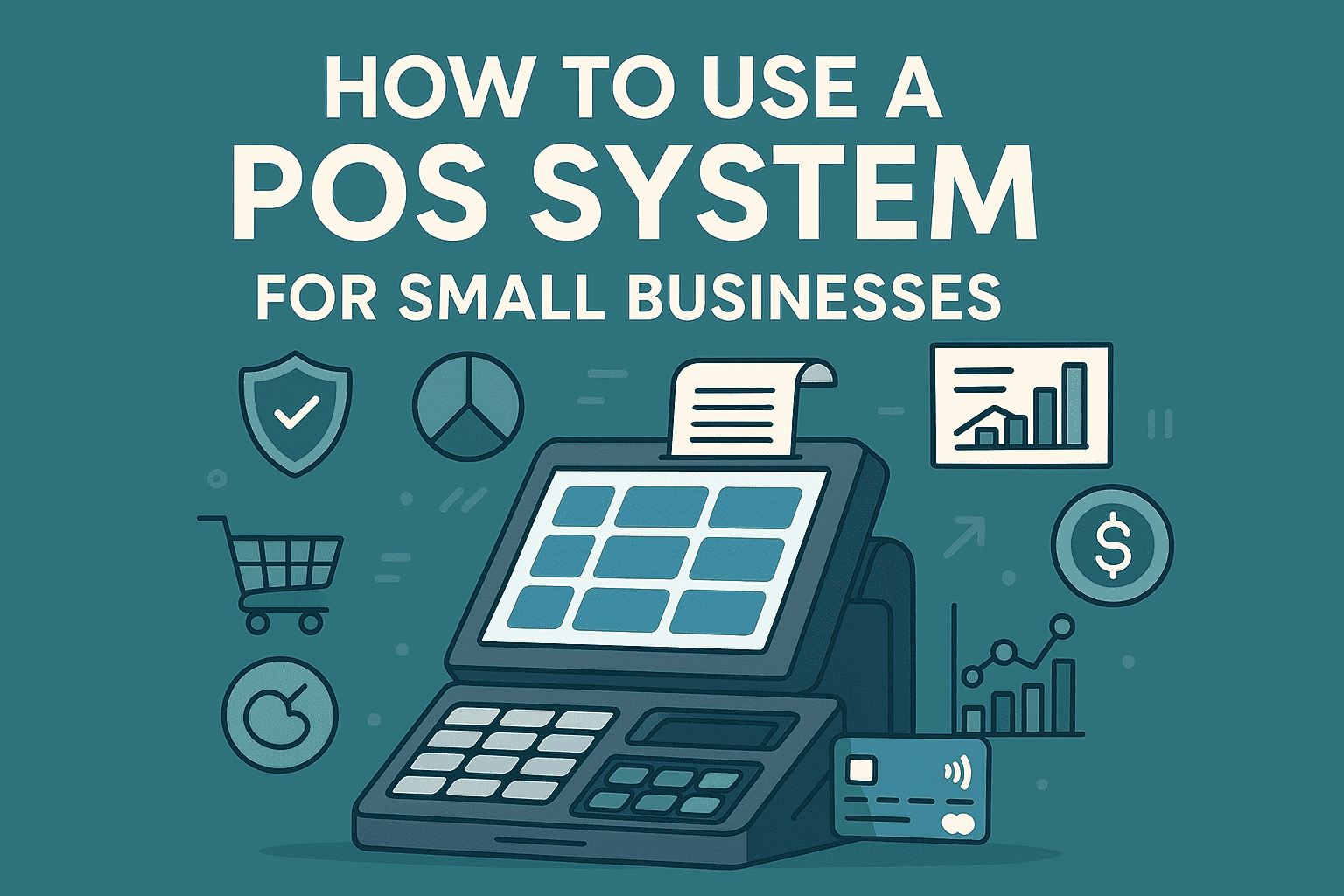
How to Use a POS System: A Simple Guide for Small Businesses
A Point of Sale (POS) system is an essential tool for modern businesses. It simplifies sales, tracks inventory, and improves customer service. Whether you’re running a retail store, restaurant, or salon, understanding how to use a POS system can save time and boost efficiency.
1. Set Up Your POS System
Start by installing the POS software on your device — tablet, computer, or specialized terminal. Connect it with your barcode scanner, receipt printer, and cash drawer. Most cloud-based systems offer guided setup and 24/7 support.
2. Add Products and Inventory
Input your product details, including name, SKU, price, and stock levels. Many POS systems allow you to bulk upload via CSV files. Accurate inventory tracking helps you avoid stockouts and overstocking.
3. Train Your Staff
Ensure your employees know how to log in, process sales, and issue refunds. A user-friendly POS system will make training quick and easy, minimizing errors and downtime.
4. Accept Payments
POS systems accept multiple payment methods — credit cards, mobile payments, and even gift cards. Secure payment processing is critical for building trust and ensuring PCI compliance.
5. Generate Reports
Use built-in analytics to track sales, monitor employee performance, and forecast trends. Regular reporting helps you make informed business decisions.
6. Sync with Other Tools
Modern POS systems integrate with accounting software, eCommerce platforms, and loyalty programs. This seamless data flow enhances operational efficiency.
Conclusion
Learning how to use a POS system is straightforward with the right platform. From sales tracking to inventory management, it empowers you to run your business smarter. Choose a POS system that fits your needs and watch your business thrive.
Appreciate the creator