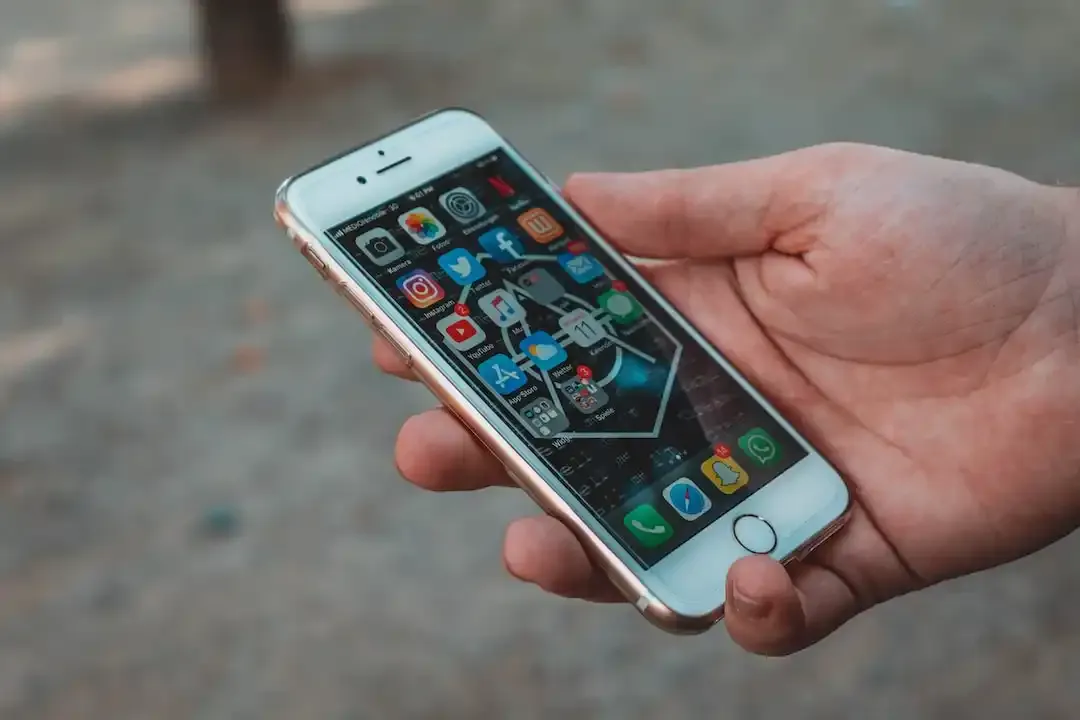
How to Create a Whatsapp Account
Whatsapp is available for Android, iphone, Blackberry, Nokia and windows phone devices. If your device runs on one of these, operating system go to this page on your mobile phone's web browser to install it. You can also easily download and install Whatsapp directly from your OS store, sure as Google play, Apple's iTunes App Store, Nokia Store, Windows App Store, and Blackberry world.
Once you've downloaded and installed the app on your mobile phone go to your phone 's home screen and tap on the Whatsapp icon to open it. Now you will be prompted to enter your country code , so go ahead and type it in the Country code field. Enter your mobile number and select a verification method.
You will receive SMS message with a 6- digital Whatsapp verification access code, or you can request to verify and validate your account via a phone call instead.
Then simple enter your verification code to start using Whatsapp.
Appreciate the creator