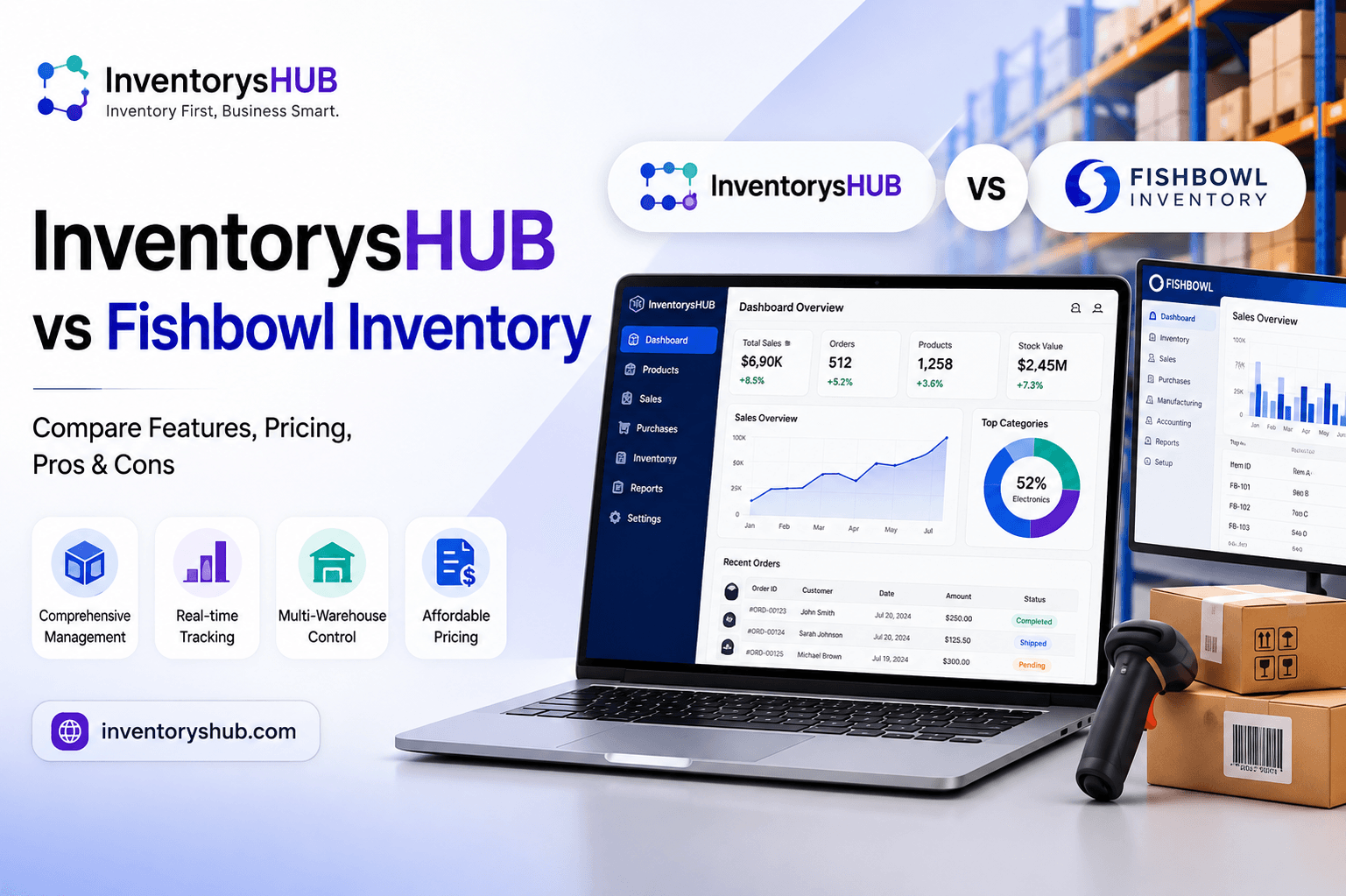
How Order Management Software Improves Inventory Accuracy and Fulfillment
Managing customer orders efficiently is essential for businesses that sell products through online stores, physical locations, marketplaces, distributors, or multiple sales channels. As order volumes increase, manually processing orders and updating inventory can become difficult. Even a small data-entry mistake can result in incorrect stock levels, delayed shipments, overselling, or customer dissatisfaction.
Order Management Software (https://inventoryshub.com/solutions/order-management-software/) can help businesses organize the entire order lifecycle, from receiving an order to checking inventory, processing fulfillment, updating stock levels, and completing the shipment. When connected with an automated inventory management system software, order and inventory processes can work together more efficiently.
The result is better inventory accuracy, faster fulfillment, fewer manual errors, and improved visibility across daily operations.
Why Order and Inventory Accuracy Matter
Inventory accuracy means that the quantity shown in the system closely matches the physical stock available in the business.
When inventory information is inaccurate, employees may make decisions based on incorrect numbers. A product may appear available even though it has already sold out, or the system may show insufficient stock when products are actually sitting in another warehouse.
These problems can affect fulfillment.
If an order is accepted for an unavailable product, employees may need to contact the customer, arrange another shipment, or issue a refund. These situations consume time and can damage customer trust.
Connecting order processing with inventory tracking helps reduce these risks by keeping stock information updated as orders move through the fulfillment process.
Centralize Order Information
One of the biggest benefits of Order Management Software is centralized order information.
Businesses may receive orders through websites, marketplaces, sales representatives, physical stores, or other channels. Managing each channel separately can make it difficult to maintain consistent records.
A centralized system can bring orders into a common workflow.
Employees can review order details, customer information, product quantities, fulfillment status, and other relevant information from one place.
This reduces the need to switch between multiple systems and helps create a more organized fulfillment process.
Update Inventory When Orders Are Received
Inventory accuracy improves when order activity is reflected in inventory records promptly.
When a customer places an order, the system can account for the quantity involved in that transaction according to the business's inventory workflow.
For example, if a customer orders five units of a product and the available stock was 25 units, the business needs to recognize that those five units are committed to the order.
This helps prevent another customer from purchasing stock that is already allocated.
An automated inventory management system software can support these updates and reduce the need for employees to manually adjust quantities after every order.
Reduce Manual Data Entry
Manual data entry is one of the common sources of inventory errors.
Employees may need to copy product information, quantities, customer details, shipping information, and order statuses from one system to another. Repetitive tasks increase the possibility of typing mistakes or missing updates.
Automation can reduce this workload.
When order information flows through connected systems, product and quantity details can be processed more consistently.
Employees can then focus on exceptions and tasks that require human attention rather than repeatedly entering the same information.
Prevent Overselling
Overselling happens when a business accepts more orders than it can fulfill.
This can occur when inventory information is outdated or when several sales channels operate without proper synchronization.
For example, a retailer may have only three units remaining but receive orders for those units through its website and another marketplace at nearly the same time.
A connected order and inventory system can help businesses maintain a more accurate view of available stock.
Businesses can also establish appropriate inventory buffers when necessary, especially for products with unpredictable demand or limited availability.
Improve Multi-Location Fulfillment
Businesses operating multiple warehouses or stores need to know where products are available.
An order management system can help determine which location should fulfill an order based on inventory availability and business rules.
For example, if one warehouse has no stock but another location has sufficient quantities, the order may be routed to the location that can fulfill it.
This can reduce unnecessary transfers and improve delivery efficiency.
Better location visibility also allows businesses to make more informed decisions about stock distribution.
Track the Complete Order Lifecycle
Orders typically pass through several stages.
An order may be received, confirmed, allocated, picked, packed, shipped, delivered, returned, or canceled.
Tracking these stages provides better visibility into fulfillment.
Employees can quickly identify whether an order is waiting for inventory, being prepared, or already shipped.
This reduces confusion and helps customer service teams provide more accurate updates.
Order Management Software can organize these statuses and make it easier for different departments to work from the same information.
Connect Purchasing With Order Demand
Order data can also provide valuable information for purchasing decisions.
When a product consistently receives orders faster than expected, the business may need to increase its replenishment frequency.
On the other hand, products that remain in stock for long periods may not require frequent purchasing.
By reviewing order history alongside inventory levels, businesses can identify demand patterns.
This helps purchasing teams make decisions based on actual sales activity rather than assumptions.
Improve Picking and Packing Accuracy
Order fulfillment involves more than simply receiving an order.
Warehouse employees must locate the correct products, pick the right quantities, and pack them appropriately.
Mistakes at this stage can result in customers receiving incorrect products.
Barcode scanning can help employees verify products during picking and packing.
When a barcode is scanned, the system can help confirm that the correct item is being processed.
This creates another layer of accuracy between order entry and shipment.
Automate Inventory Management Tasks
An automated inventory management system software can reduce repetitive inventory-related activities.
Depending on the system, automation may support stock updates, low-stock alerts, order processing, purchase order creation, product tracking, and inventory reporting.
Automation does not mean removing people from the process. Instead, it allows employees to spend less time performing repetitive administrative tasks.
Staff can focus on exceptions, customer service, supplier communication, and other activities that require judgment.
Manage Returns More Effectively
Returns can create inventory problems if they are not processed correctly.
When a customer returns an item, the business needs to determine whether the product should be returned to available stock, placed into a damaged category, sent for inspection, or handled in another way.
Order management technology can connect the return with the original transaction.
This provides a clearer history of what happened to the product.
Accurate return processing prevents inventory records from showing products as available when they are actually unavailable for resale.
Improve Inventory Allocation
Inventory allocation determines how available stock is assigned to incoming orders.
This becomes particularly important when demand is high or inventory is limited.
A business may want to reserve certain quantities for specific sales channels, locations, customers, or upcoming orders.
Order Management Software can help businesses establish organized allocation processes.
Better allocation reduces the risk of promising the same inventory to multiple customers.
Create Better Communication Between Teams
Order fulfillment often involves multiple departments.
Sales teams receive customer orders, warehouse teams prepare products, shipping teams handle deliveries, purchasing teams manage replenishment, and customer service teams answer questions.
If each department uses different information, errors can occur.
A centralized order management process gives teams access to more consistent order and inventory information.
This improves communication and reduces the need for employees to repeatedly ask each other for updates.
Use Real-Time Reporting
Accurate reporting helps managers understand what is happening across the business.
Reports can provide information about open orders, completed orders, backorders, canceled orders, inventory levels, product demand, and fulfillment performance.
Managers can use this information to identify bottlenecks.
For example, if many orders remain unfulfilled because certain products are repeatedly unavailable, management can review purchasing and inventory policies.
If orders are frequently delayed during picking, warehouse processes may need improvement.
Monitor Stock Availability
Businesses need to distinguish between physical stock and stock that is already committed to customer orders.
Suppose a warehouse physically contains 100 units of a product, but customers have already ordered 30 units. The business should not treat all 100 units as freely available.
Order and inventory systems can help account for committed quantities.
This gives purchasing and sales teams a clearer picture of what stock is actually available for new orders.
Reduce Fulfillment Delays
Fulfillment delays can occur when employees do not have clear information about inventory or order status.
An organized system helps employees identify what needs to happen next.
If an order is waiting for stock, the system can show that status. If the product has arrived, employees can continue processing the order.
This visibility can reduce unnecessary communication and help teams respond more quickly.
Improve Customer Experience
Accurate fulfillment has a direct impact on customer satisfaction.
Customers expect the products they order to be available, correctly packaged, and delivered within the promised timeframe.
When businesses have better inventory accuracy, they can provide more reliable availability information.
When order processing is organized, customers are also more likely to receive accurate updates about their purchases.
Better internal processes therefore contribute to a better external customer experience.
Make Better Business Decisions
Order and inventory data can provide valuable insights into business performance.
Managers can identify best-selling products, slow-moving items, seasonal demand, frequent returns, fulfillment delays, and inventory shortages.
These insights can influence purchasing, pricing, promotions, warehouse planning, and product selection.
Instead of relying entirely on assumptions, businesses can use historical order information to support their decisions.
Choose a Scalable Solution
As a business grows, order and inventory management requirements become more complex.
More customers, products, sales channels, warehouses, and employees can make manual systems increasingly difficult to manage.
When selecting Order Management Software, businesses should consider ease of use, inventory synchronization, order processing, barcode capabilities, reporting, multi-location support, purchasing workflows, and integration options.
The solution should be capable of supporting current requirements while allowing the business to expand.
Final Thoughts
Order management and inventory accuracy are closely connected. When orders are processed separately from inventory, businesses can experience stock discrepancies, overselling, fulfillment errors, and unnecessary delays.
Order Management Software can provide a centralized way to manage orders from receipt through fulfillment while helping businesses maintain more accurate inventory information.
When combined with an automated inventory management system software (https://inventoryshub.com/), businesses can reduce manual data entry, improve stock updates, coordinate multiple sales channels, manage returns, support warehouse teams, and gain better visibility into available inventory.
The objective is to create a connected workflow where orders and inventory information remain aligned throughout the sales process.
With the right technology and well-defined procedures, businesses can improve fulfillment accuracy, reduce operational errors, respond faster to customer orders, and make better purchasing and inventory decisions. Over time, these improvements can help create a more efficient operation that is prepared to handle increasing order volumes and continued business growth.
Appreciate the creator