
#1 Mocking Graphql in Unit Test
Hello Everyone,
Welcome to my blog 🙏. I hope you are all safe and that this blog finds you in good health ❤️.
In this blog, Let's learn about mocking graphql queries in the Unit test cases.

Prerequisites:
React pointing to any Backend service.
Jest for unit test cases.
React Testing Library.
GraphQL for API.
Before starting, This blog assumes that readers have at least a basic idea of React along with GraphQL and writing unit test cases.
Our Application
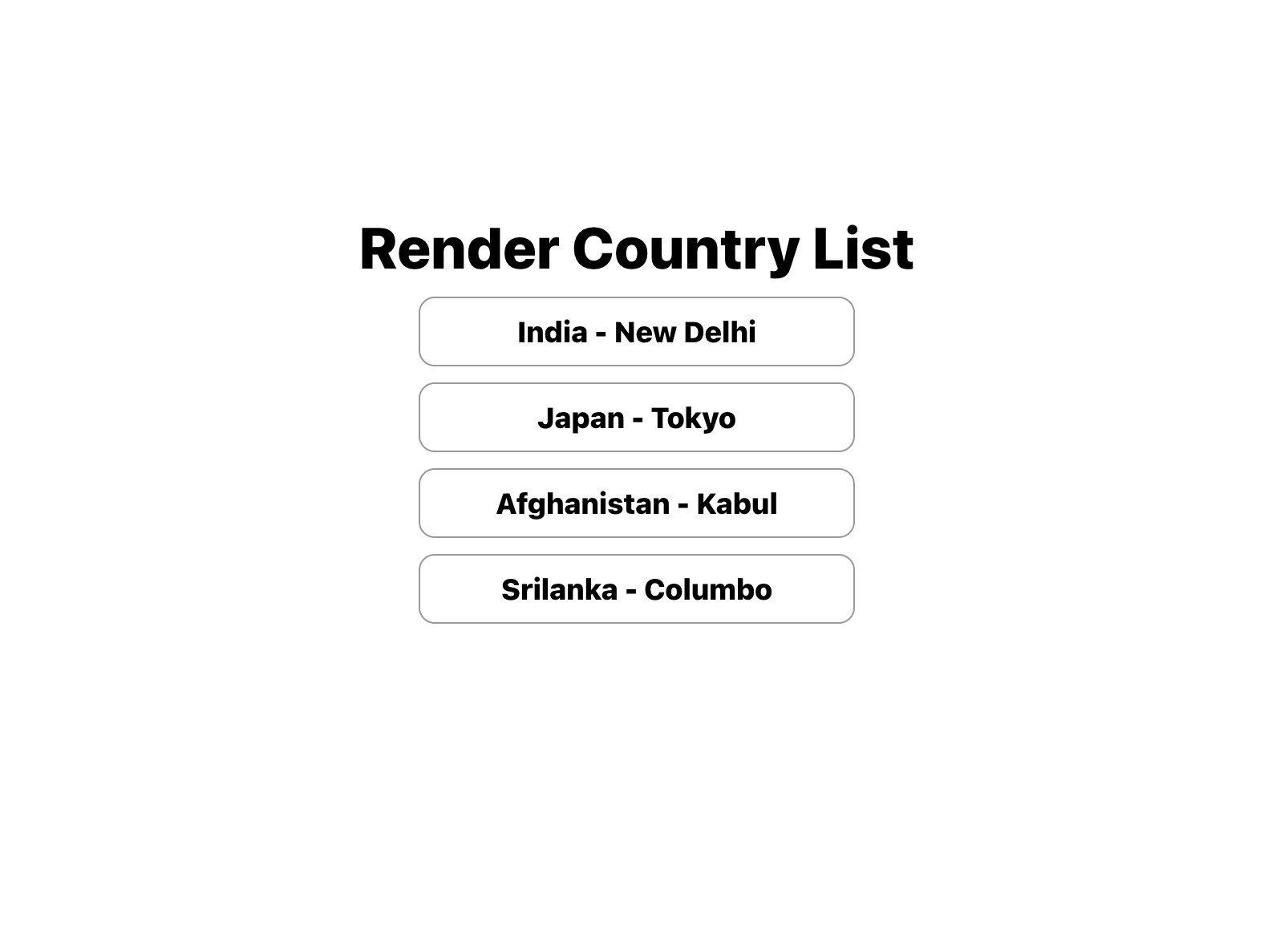
We have a Basic Application running which displays the list of countries along with the capital city. Below are some of the visuals of our website.


Now, Let's move to our main topic i.e
Mock GraphQL in Unit Test cases
Basically, we have 2 ways to test our GraphQL responses in our Application and we will be discussing both approaches.
Before knowing about the approaches, first, let's see what possible errors we would be getting if we don't mock GraphQL
Invariant Violation: Could not find "client" in the context or passed in as an option. Wrap the root component in an <ApolloProvider>, or pass an ApolloClient instance in via options.Using Jest.mock()
This is the go-to method to mock any functions and return anything whenever the test case encounters the function.
jest.mock("@apollo/client", () => {
	return {
		gql: jest.fn(),
		useQuery: jest.fn(),
        useLazyQuery: jest.fn(),
        useMutation: jest.fn()
	}
})
The above snippet would mock the useQuery hook and gql, so that every time the test encounters them, we would not be getting any reference errors for graphql.
TypeError: Cannot destructure property 'data' of '(0 , _client.useQuery)(...)' as it is undefined.But we would be getting errors for data while rendering the Application so we have to do one more thing to avoid it i.e. we have to return a mock response. Let's try and fix the above data error.
beforeEach(() => {
 useQuery.mockReturnValue({
	data: {
		getCountries: {
			countries: [
				{
				  countryName: "India",
				  capital: "New Delhi",
				},
			 ],
			},
		},
	})
})
Note: We can also pass different mock responses for individual test cases by simply passing different responses in useQuery.mockReturnValue() inside any test case.
That is it, folks, it is sufficient to run our test case successfully. Attaching you test case file along with the result.

PASS  src/App.test.js
  App test
    ✓ renders learn react link (24 ms)

Test Suites: 1 passed, 1 total
Tests:       1 passed, 1 total
Snapshots:   0 total
Time:        0.693 s, estimated 1 s
Ran all test suites related to changed files.

Watch Usage: Press w to show more.
Challenges
With our use case, we are very good with the approach to test our GraphQL response. To get some glimpse of the challenges which we can face using the above approach.
Use case - 1: We have a react component that has 2 different API calls to be made to the server.
The above use case ends up getting us the same response all the time if we go with the above approach which eventually makes our app be half-baked product. Although we can use other jest methods as workarounds that can create too much confusion while testing.
Use Case - 2: We have a react component that has type-in search functionality.
Here we have to test the component by passing different request params and expecting different responses but we would be failing to test such scenarios if we go with the above approach
Although we can cover the test case still we couldn't test our application properly if we go with approach 1.
But,
Good News!!! We have a solution for it and we will be discussing it in our Next blog here
References:
Github link for the above code.
Here we go, That’s it folks for this blog. I hope everyone liked this blog. If you like it, give it a clap 👏 , and share it with your friend.
For more exciting content on Frontend,
Please follow me 🎯.
Thanks a lot, Everyone 🙏.
Until Next time, Happy Learning ✍️
Abhishek Kovuri - UI developer
Appreciate the creator