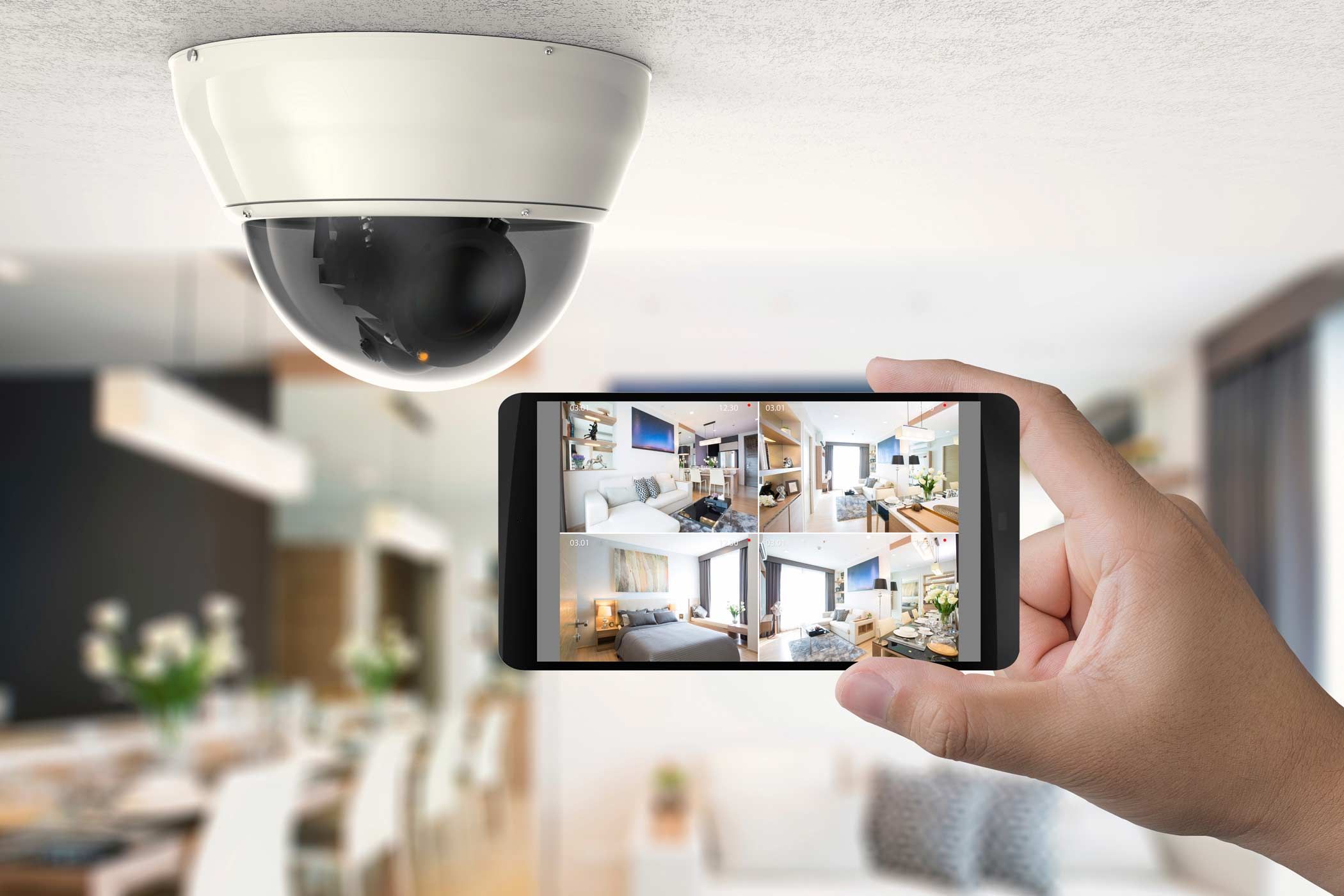
CCTV Camera Placement Tips for Better Coverage and Fewer Blind Spots
A CCTV system is only as useful as the areas it can actually monitor. Even a high-resolution camera may miss important activity if it is installed at the wrong angle or positioned behind an obstruction. Proper camera placement helps improve visibility, reduce blind spots, and make security footage more useful. Whether you are protecting a home, shop, office, or warehouse, a few practical planning steps can make a significant difference.
Start with a Security Assessment
Before installing cameras, walk around your property and identify the areas that need attention. Consider entry doors, windows, parking spaces, reception areas, corridors, and delivery points. Look for places where someone could approach without being easily seen.
Know more cctv installtion Dubai (https://urbanclap.ae/cctv-installation/)
Make a simple floor plan and mark the locations you want to monitor. This will help you understand how many cameras you may need and whether their viewing angles overlap appropriately. Prioritise important access points rather than placing cameras randomly throughout the property.
1. Cover Main Entrances and Exits
Doors are among the most important locations to consider when planning CCTV coverage. Position cameras so they can capture useful footage of people approaching or leaving the building. Where possible, ensure that faces are visible rather than recording only the tops of people's heads.
Avoid pointing a camera directly towards bright sunlight or strong lights, as glare can affect image quality. Test the view during different times of day to check whether shadows or changing light conditions create visibility problems.
2. Choose the Right Mounting Height
Camera height affects both the viewing angle and the level of detail captured. If a camera is installed too high, it may provide a broad view but struggle to capture identifiable facial details. If it is too low, it may be easier to tamper with or obstruct.
Choose a secure mounting height based on the camera's lens, the area being monitored, and the purpose of the footage. Use suitable brackets and make sure the camera remains stable after installation.
3. Pay Attention to Corners and Corridors
Corners can create hidden areas, particularly in large rooms, warehouses, and long hallways. A carefully positioned wide-angle camera may cover much of the space, but objects, walls, and shelving can still block parts of the view.
Check the entire field of view before finalising the installation. In larger areas, two cameras positioned at different angles may provide better coverage than relying on a single camera.
4. Improve Outdoor Coverage
For outdoor security, consider driveways, gates, garages, parking areas, and paths leading to the property. Mount cameras where trees, plants, parked vehicles, and decorative structures are less likely to obstruct the view.
Select cameras designed for the relevant outdoor conditions. Make sure the mounting position protects the equipment appropriately while maintaining a clear view of the intended area.
5. Check Night-Time Visibility
A camera that performs well during daylight may produce less useful footage after dark. Test night vision, nearby lighting, reflections, and shadows. Glass windows can reflect infrared illumination, so placing a night-vision camera behind glass may interfere with its performance.
If the area is too dark, consider suitable external lighting or a camera designed for low-light conditions.
6. Test for Blind Spots Before Finishing
Once the cameras are mounted, review their live feeds and recorded footage. Walk through the areas being monitored to check whether people remain visible as they enter, move through, and leave the space.
Adjust camera angles if doors, furniture, pillars, or other obstacles block important sections. Also check whether neighbouring cameras provide useful overlapping coverage without leaving gaps between monitored areas.
7. Protect Privacy and Maintain Equipment
Cameras should focus on areas you are authorised to monitor. Avoid unnecessary recording of neighbours' private spaces, and follow applicable privacy and surveillance laws.
Visit: cctv installation near me (https://handyman-dubai.com/cctv-installation-service)
Clean camera lenses periodically, inspect mounting brackets, and check cables and connections. Regular maintenance helps preserve image quality and makes it easier to identify problems before they affect security.
Frequently Asked Questions
What is the best place to install a CCTV camera?
Important entry points, exits, driveways, and other security-sensitive areas are common priorities. The best position depends on the property's layout and monitoring objectives.
How can I reduce CCTV blind spots?
Assess the property beforehand, avoid obstructions, choose appropriate viewing angles, and test the camera feeds after installation. Additional cameras may be necessary in complex spaces.
Should CCTV cameras overlap their viewing areas?
Some overlap can help reduce gaps in coverage, especially near entrances and connecting pathways. The amount needed depends on the camera's field of view and the site's layout.
Does camera height affect image quality?
Yes. Height influences the viewing angle, facial visibility, and vulnerability to tampering. Choose a mounting position that balances these factors.
How often should CCTV camera positions be checked?
Review camera views periodically and whenever the layout changes, new obstructions appear, or footage quality declines. Clean lenses and inspect equipment as part of routine maintenance.
Appreciate the creator